Splatter non-overlapping node
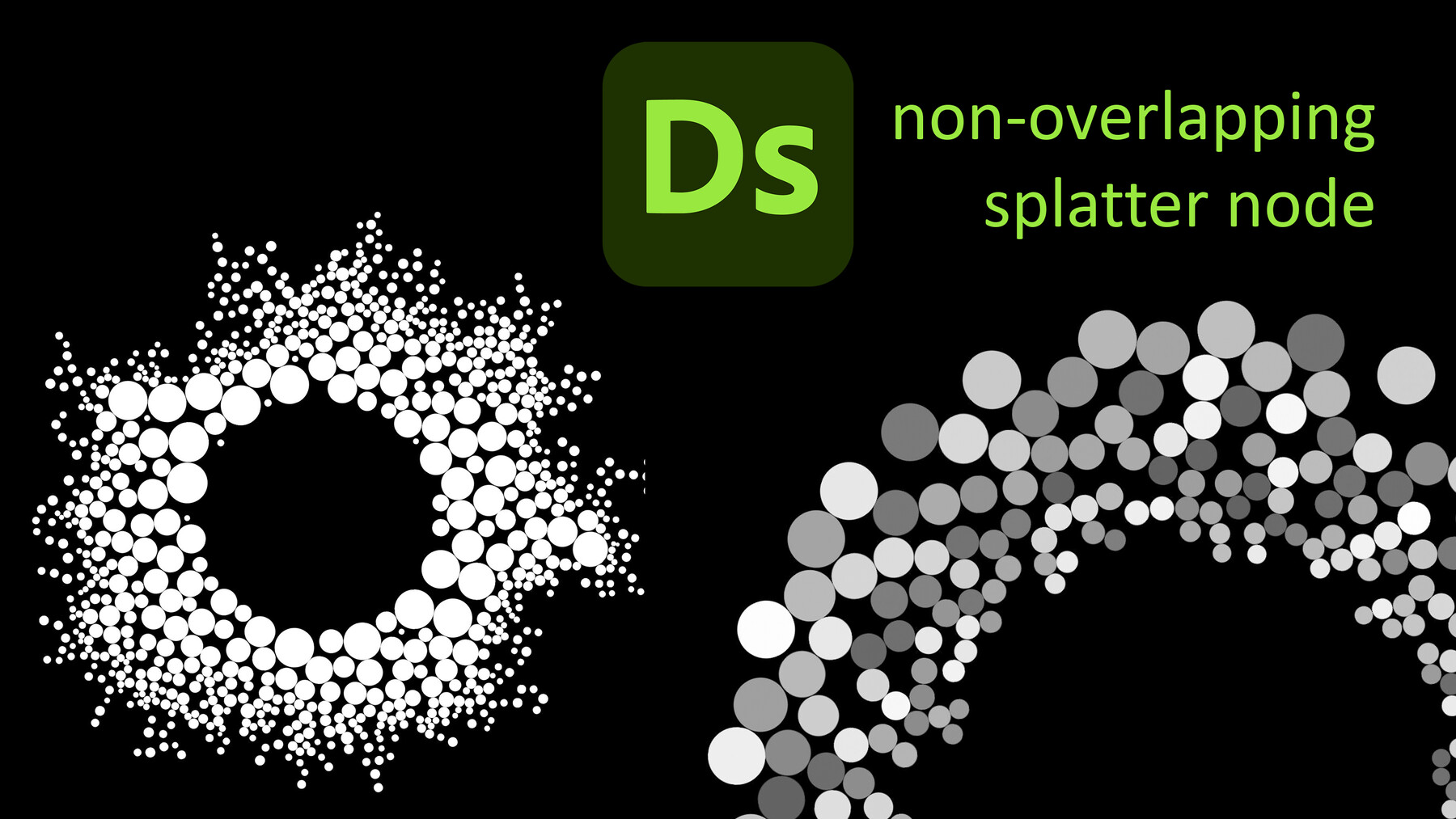
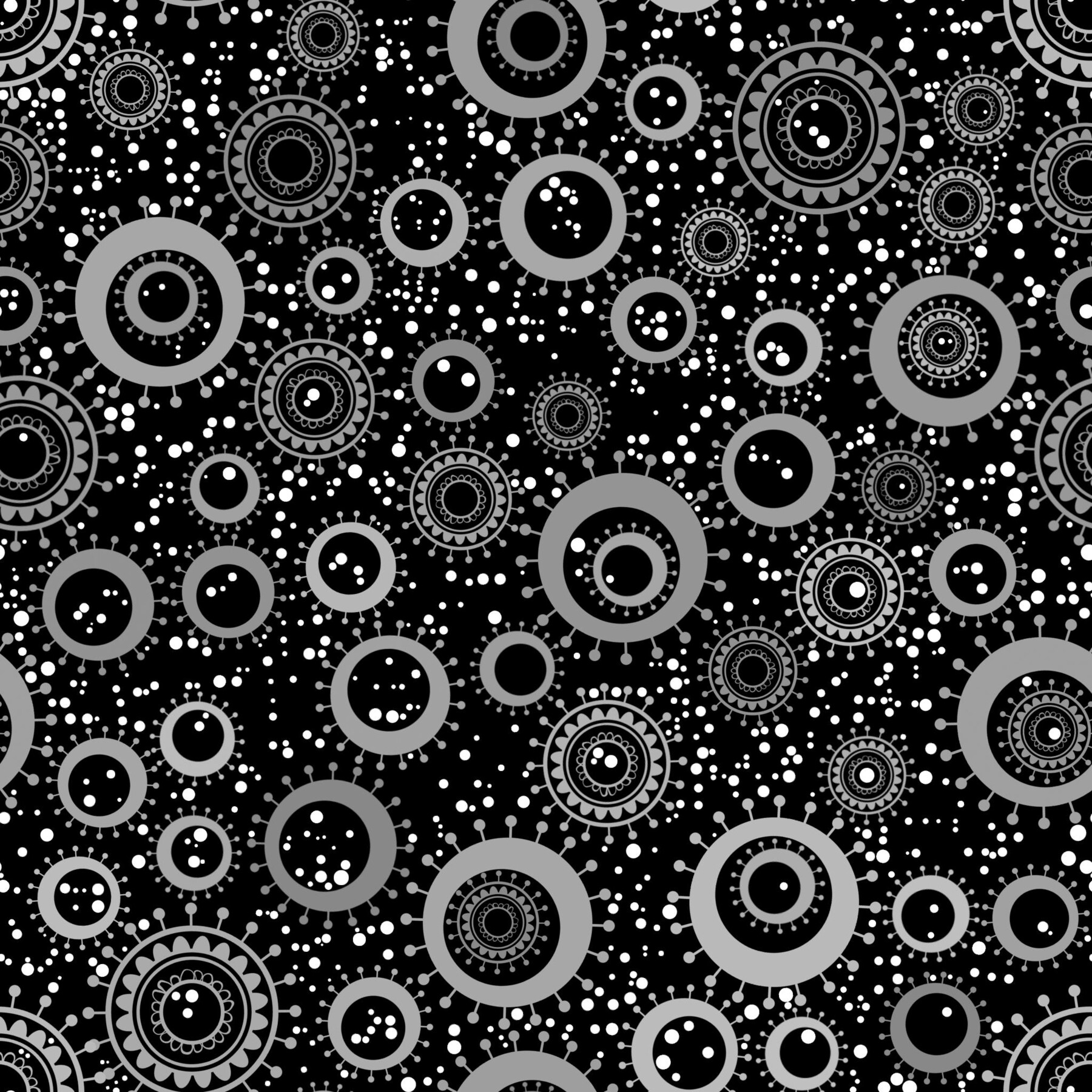
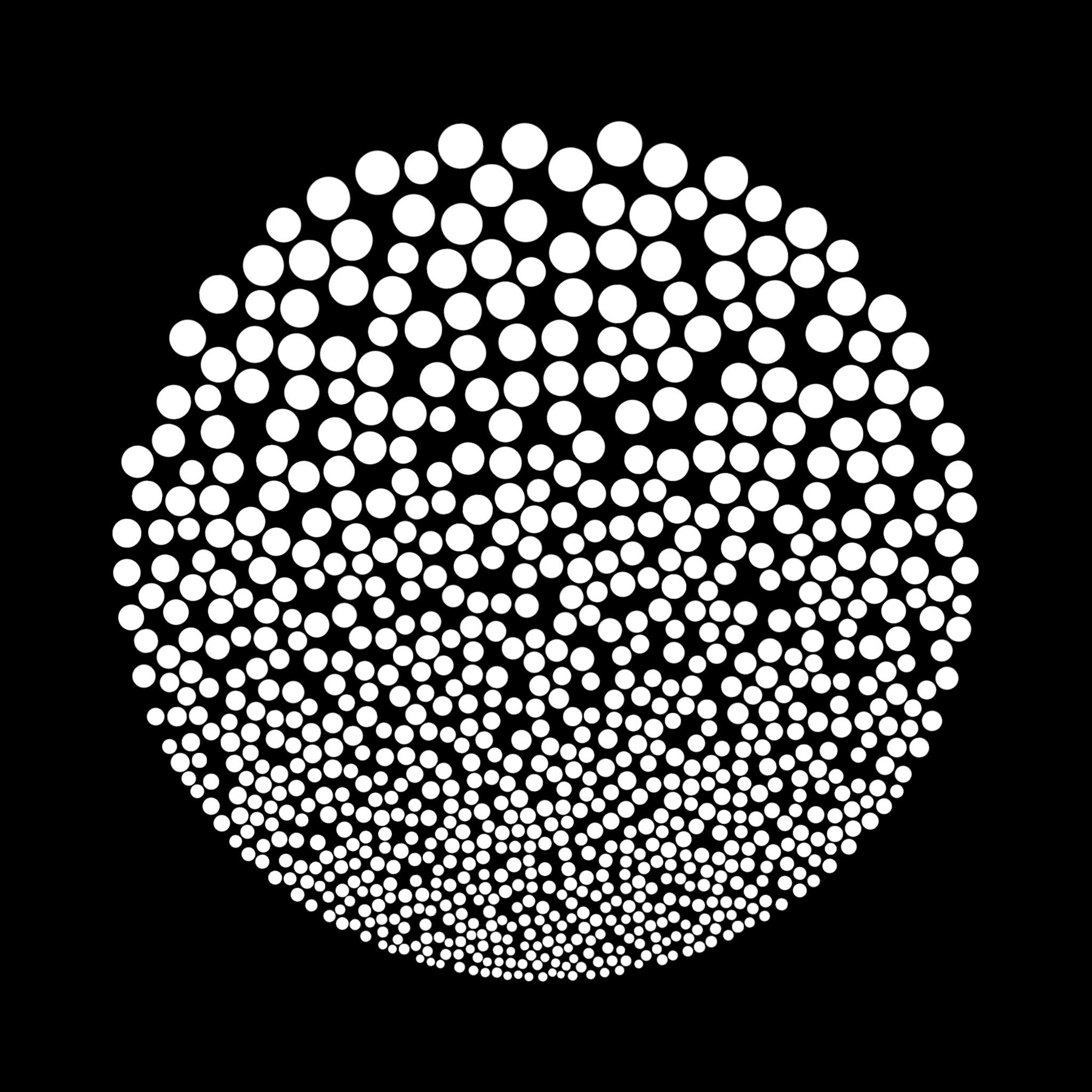
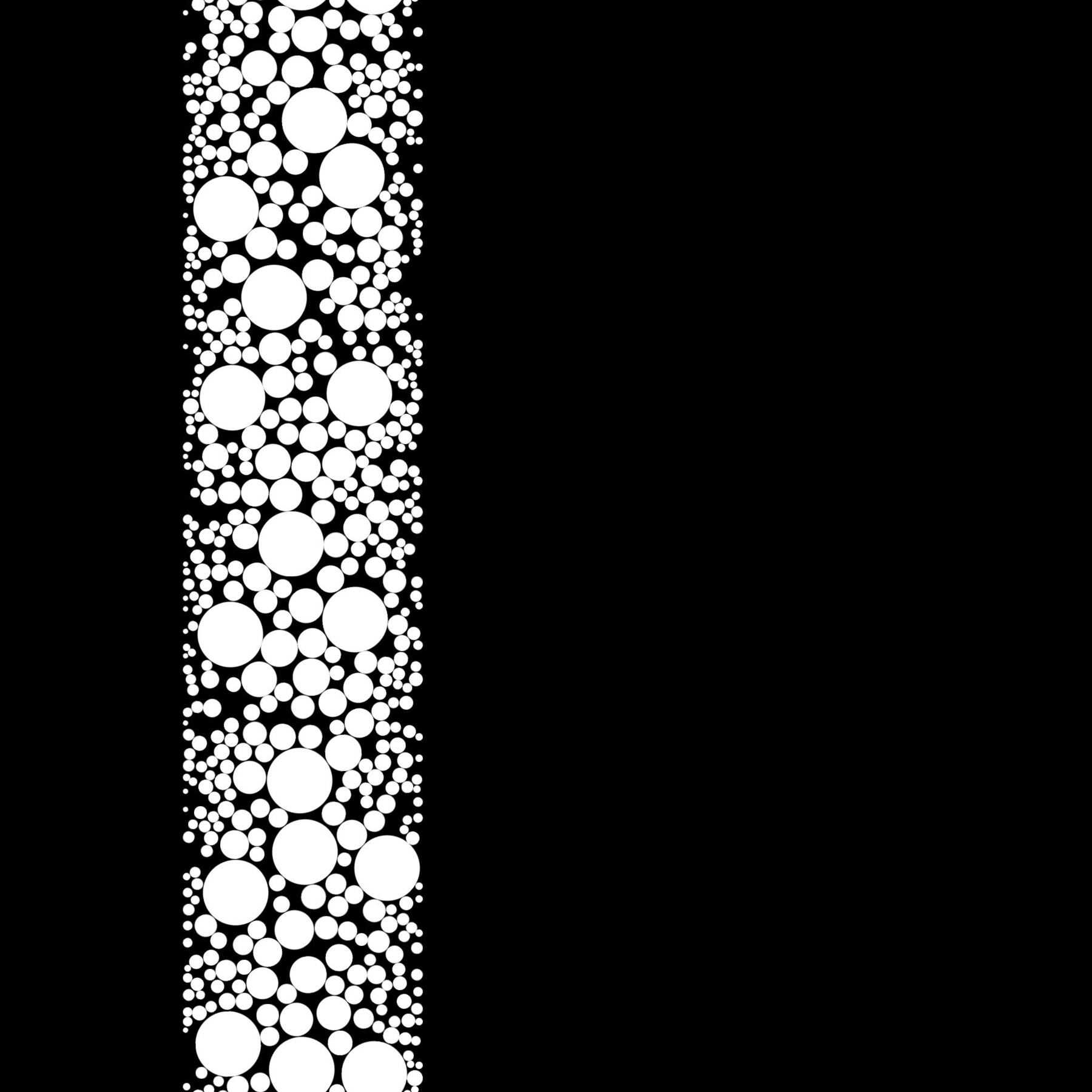
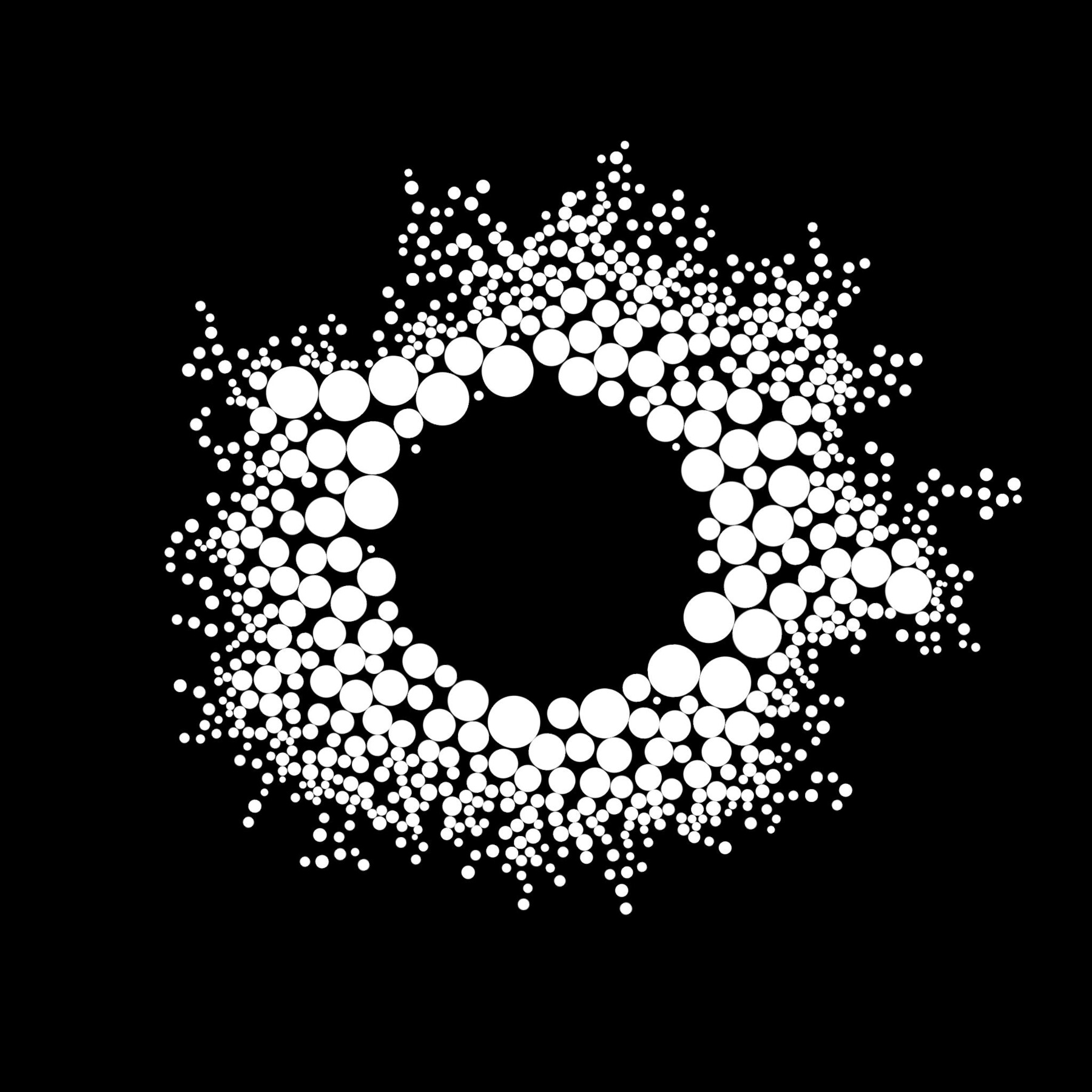
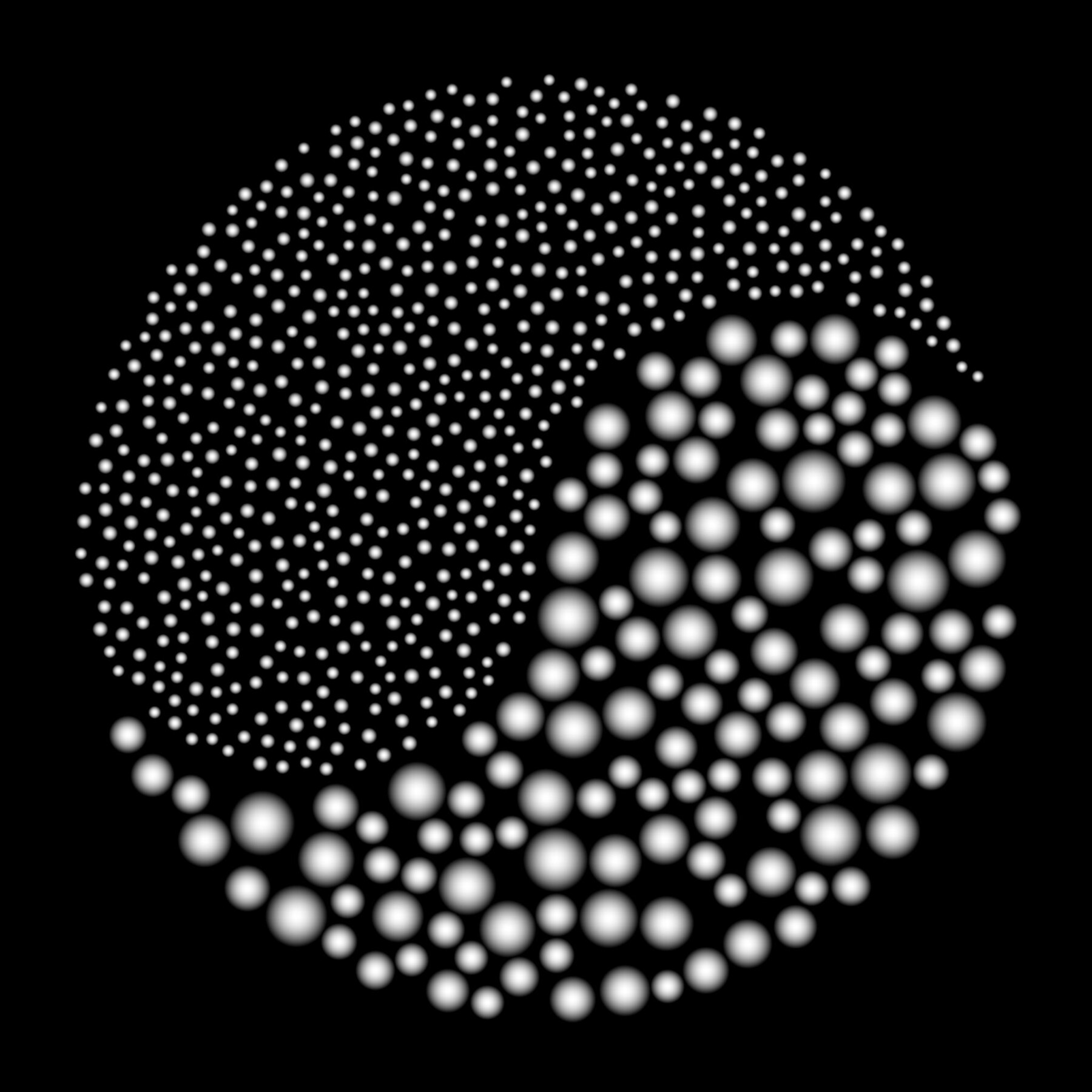
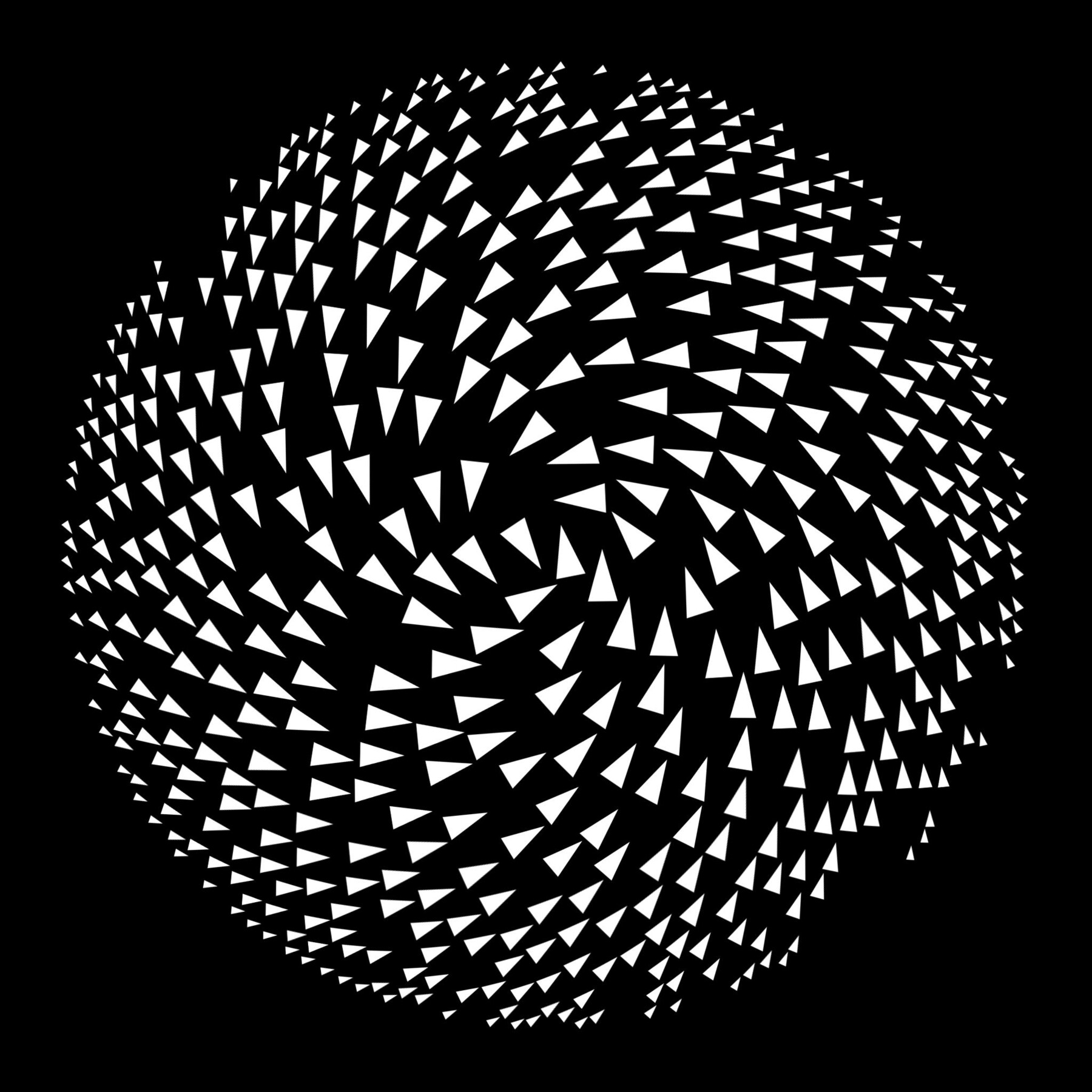
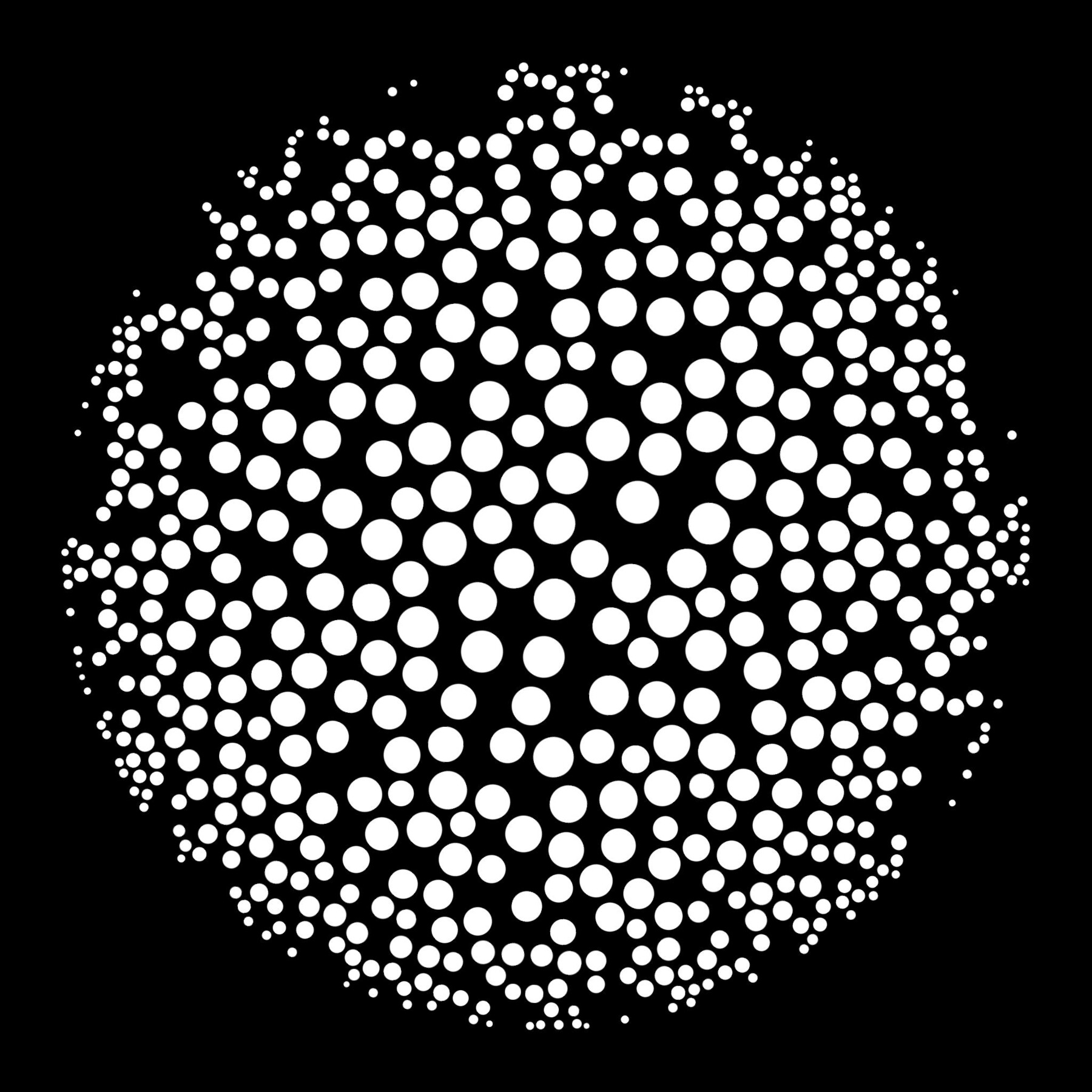
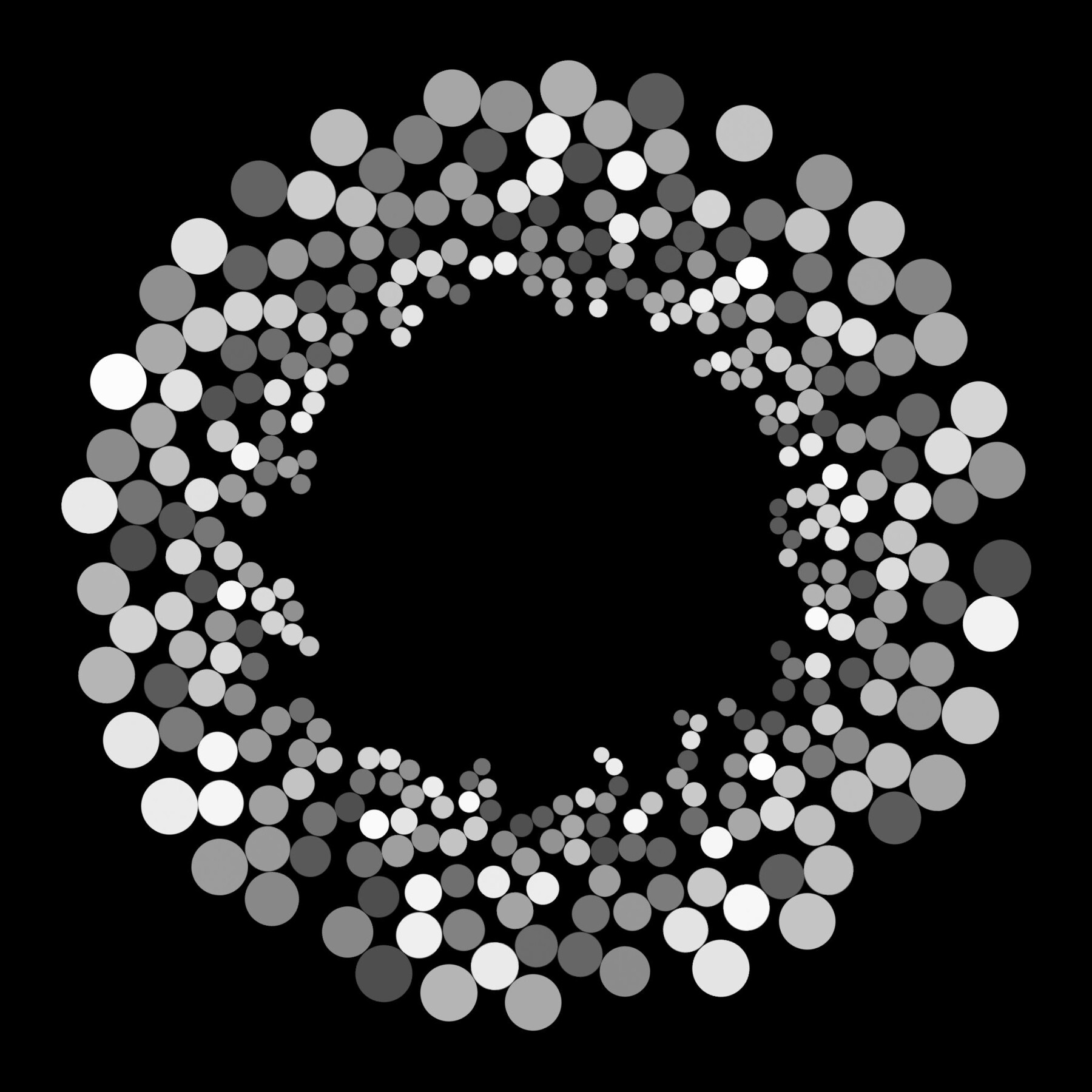
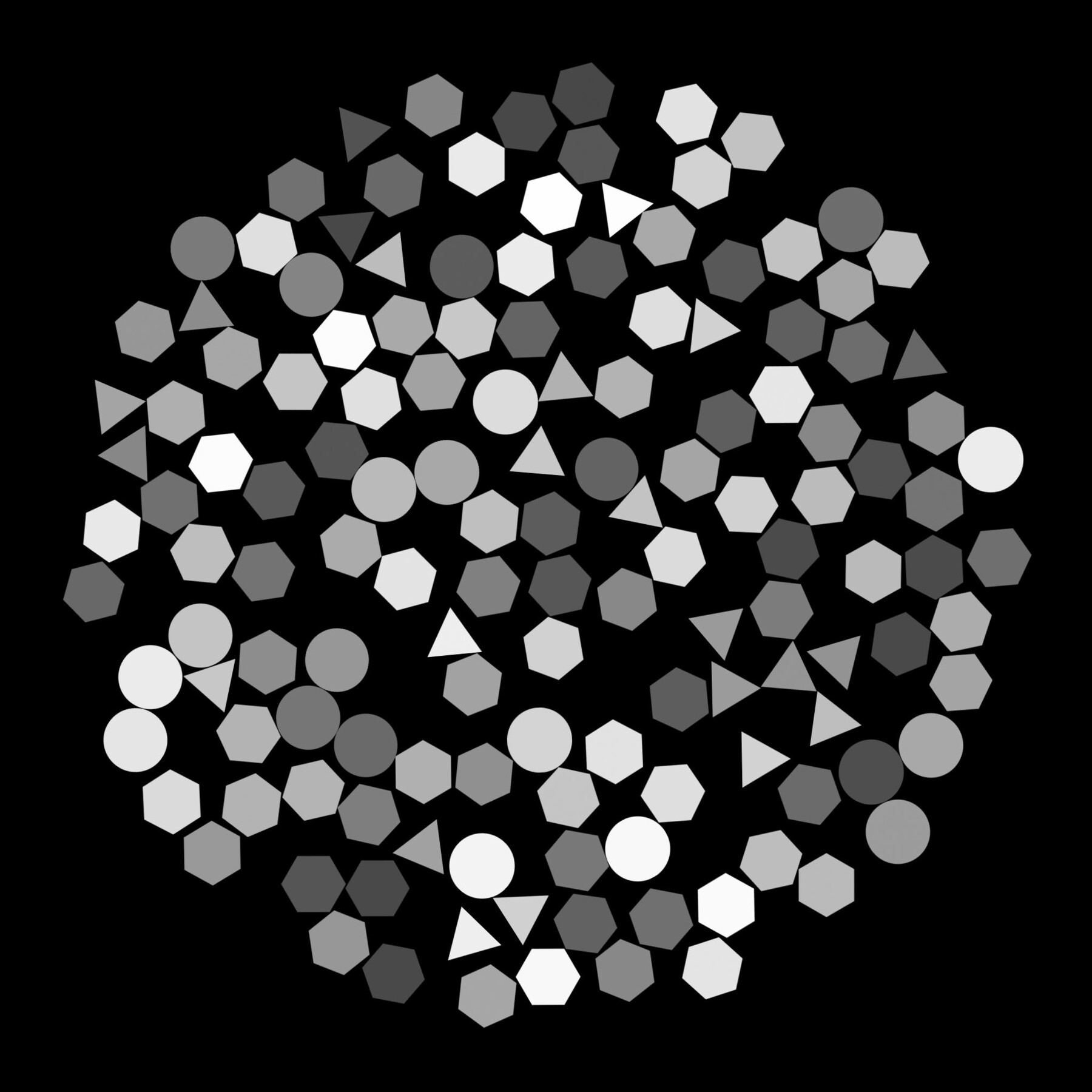
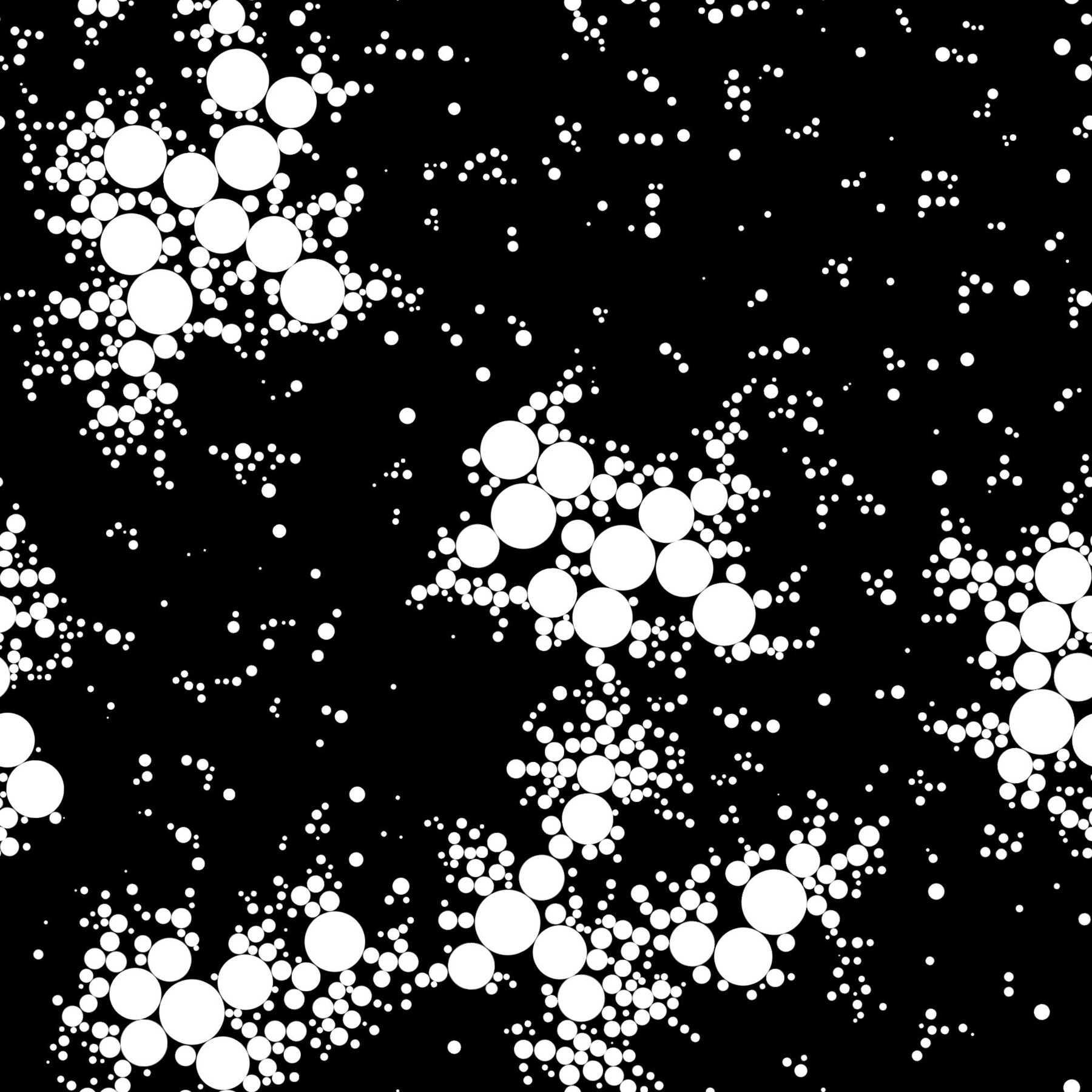
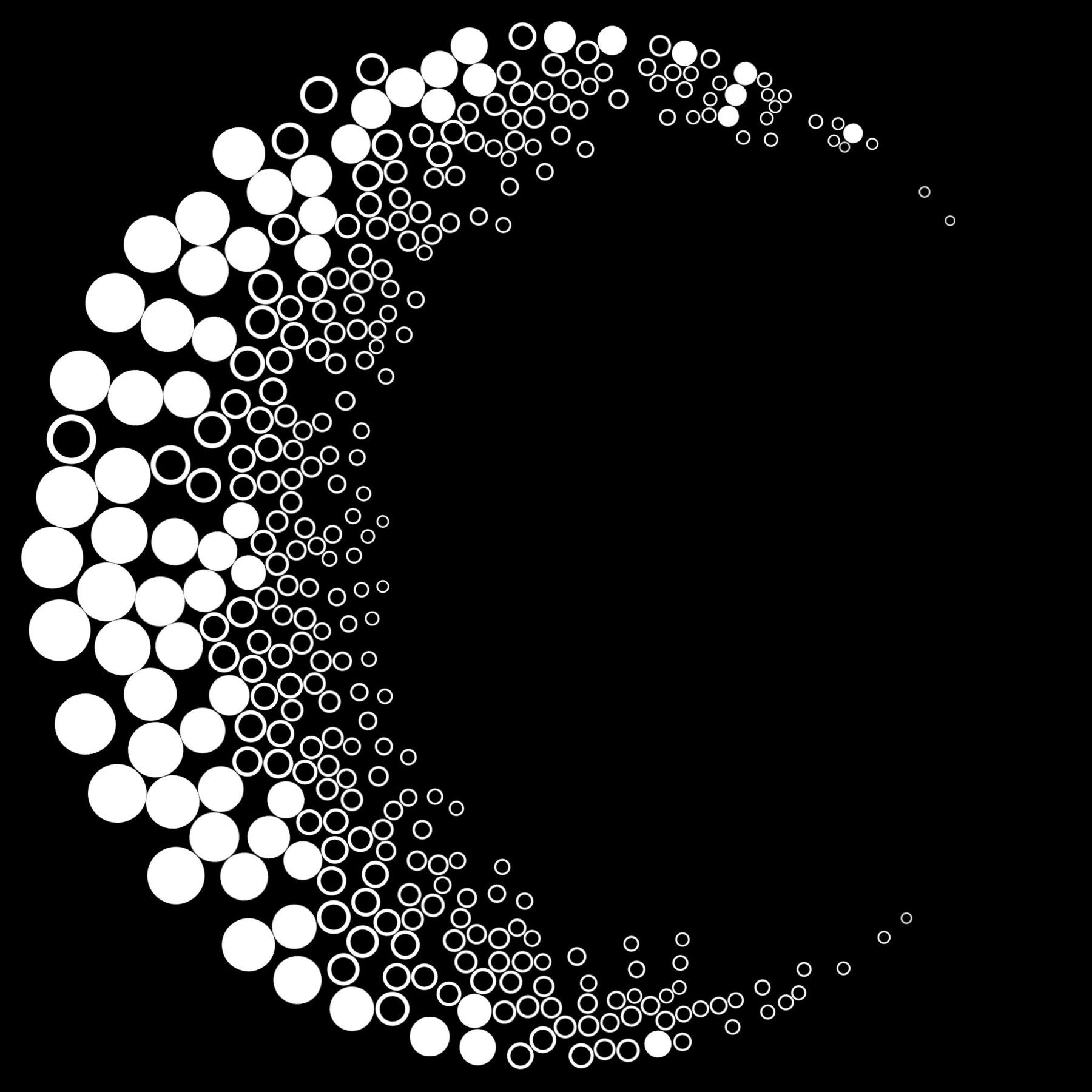
Hello everyone! I have created a node that distributes non-intersecting shapes. The node is based on the distance node, so incoming shapes must fit into a circle (use 2D transform for this). The node is quite heavy, so it is better to create a pattern in a format of 1024x1024 and then adjust the image size in the final stage.
video presentation: https://youtu.be/PbzDlqevDW8
What are the advantages of my node? -
1. Despite the large number of slots that can be intimidating at first, it is easy to control. Masks can be used for scale, brightness, and distribution.
2. There are few settings, and they are intuitive.
3. The node can be used sequentially. This provides flexibility when creating the desired pattern.
I have attached a file with examples where you can see how I created a particular image. Additionally, I have included a short video presentation demonstrating the possibilities of using this node.
non-overlapping, non-overlap, node, splatter, substance designer, substance, tools, advanced, custom
Release Notes
I did this generator in version 13.0.0 And a small glitch appeared in the new versions. There were overlaps. This is very unpleasant. Therefore, as soon as I found out about it, I corrected this omission. Now this version works correctly in version 13.1.2.